
Updated:
Why lecture notes are hard
In a lecture you have to choose between understanding and writing. Fast speakers, dense slides and long sessions make it impossible to do both. The recording you made “just in case” usually stays unwatched because finding one explanation in a 90-minute file takes too long.
How Notal helps
Long recordings are fine
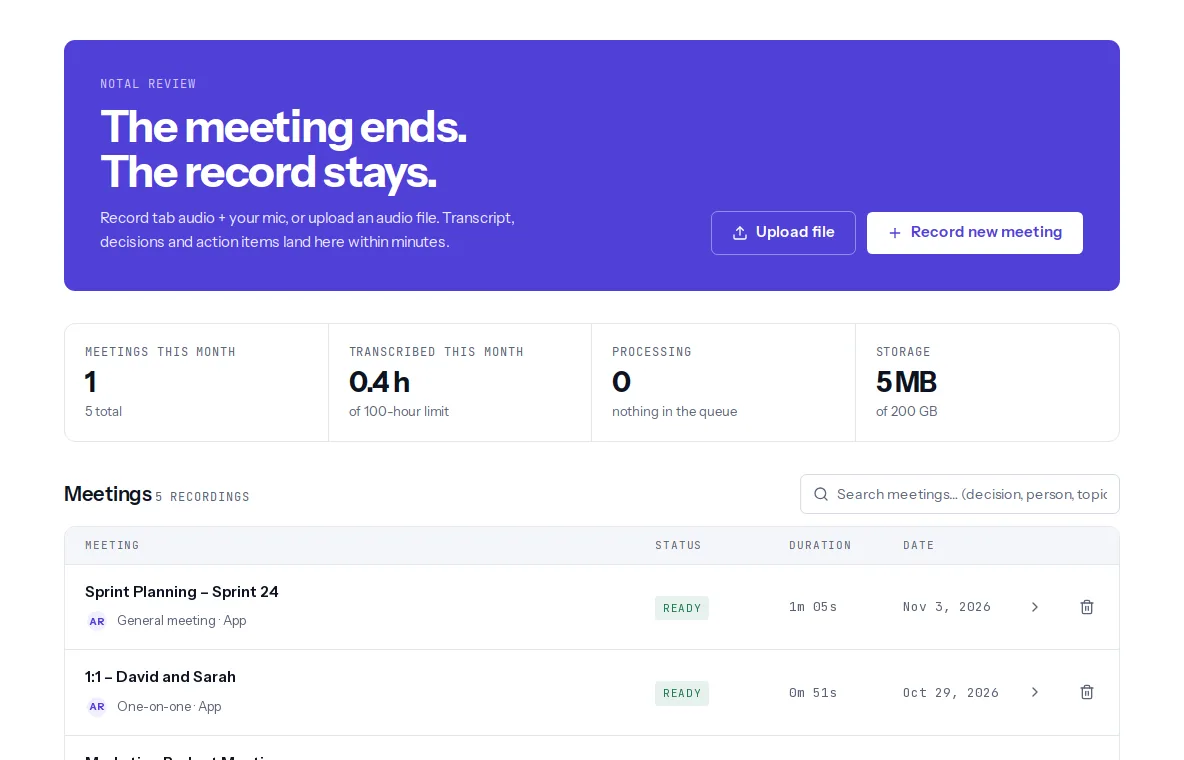
A 90-minute lecture or a full-day seminar is split into parts and processed in parallel. You don't need to cut the file yourself.
Transcript with timestamps
Click any line to jump to that moment in the audio and hear the explanation again.
Summary and key points
A short summary and the main topics of the session, useful for revision.
Questions across sessions
Ask Notal “where did the lecturer explain the difference between X and Y?” and it points you to the sessions where it came up.
Your terminology
Add course-specific terms and names to the vocabulary so they're written correctly.
Record or upload
Record on the web, upload a voice memo from your phone, or upload a file from a conference.
Step by step
- Ask the lecturer or organizer whether recording is allowed. Many institutions have rules about it.
- Record with your phone's voice memo app (sit near the speaker or the PA speaker) or with Notal on a laptop. For online seminars, record the Chrome tab.
- Upload the file to Notal if you recorded elsewhere. MP3, M4A, WAV and most other audio formats work.
- Read the summary right after the session, while it's fresh, and add anything the recording missed.
- Before exams or when writing, use Ask Notal to find explanations across all your sessions and check them in the transcript.
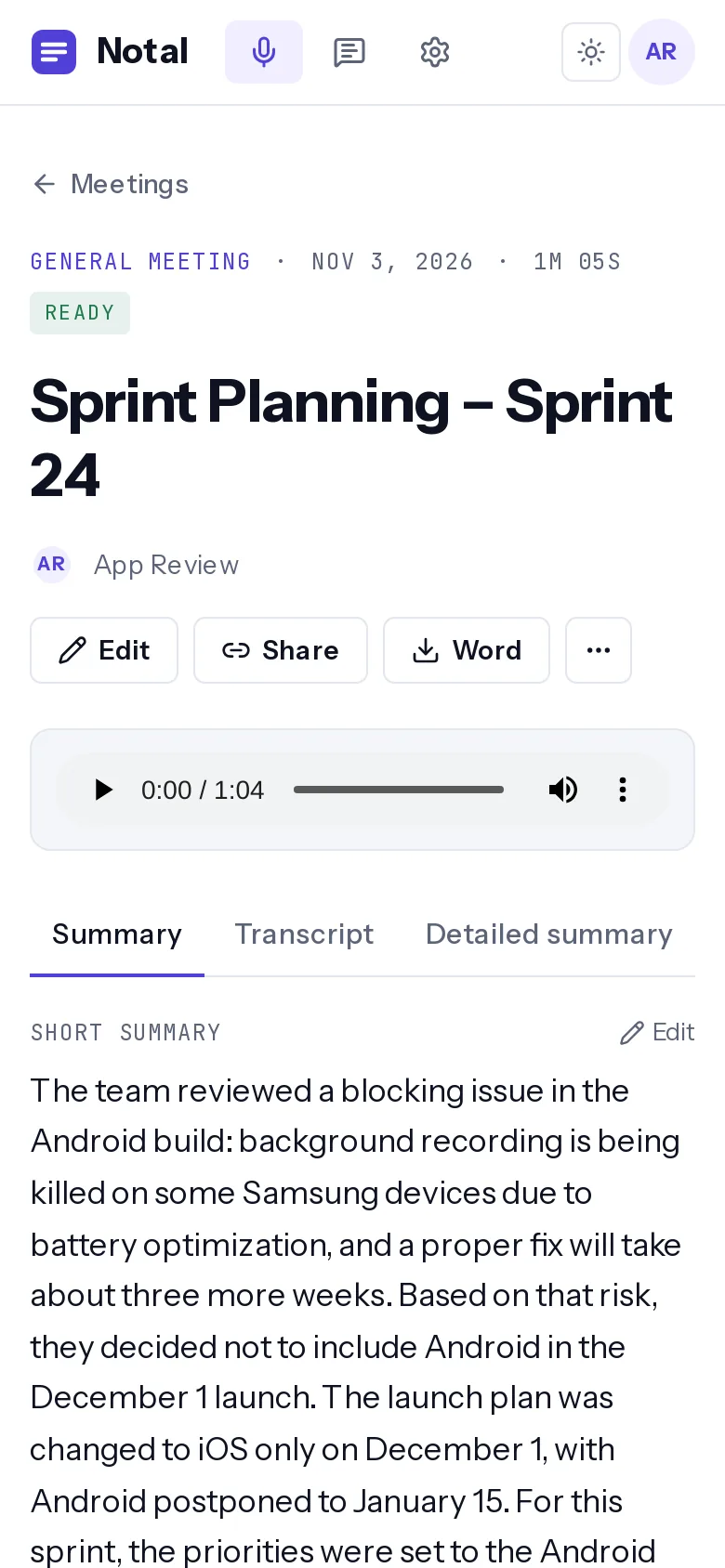
Notal is built for spoken content. It doesn't read slides or whiteboards, so keep a copy of the slides next to your notes.
Frequently asked questions
How long can a lecture recording be?
There's no practical per-file limit for typical lectures; long recordings are processed in parts. What counts is your monthly total: 5 hours on the free plan and 100 hours on PRO.
Does it work in a large lecture hall?
It works best when the voice is clear. Sitting near the speaker or close to a PA loudspeaker helps a lot; echo and background noise reduce transcript quality.
Can I record lectures in languages other than English?
Yes: Turkish, English, German, French, Spanish, Arabic and Russian are supported for transcription. Summaries are written in English or Turkish.
Is there a student discount?
Not at the moment. The free plan includes 5 hours a month, which covers several lectures.