
Updated:
Who wrote this
This page is written by the team behind Notal, so read it with that in mind. Competitor details come from each vendor's official website as of 8 November 2026. Prices change often; check the official sites for current information.
Four questions that narrow it down
- Is a bot in the call acceptable? Bot-based tools can record every meeting automatically. Bot-free tools record from your device and avoid the extra participant, but someone has to start them.
- Which languages do you meet in? Language lists vary a lot, and “supported” sometimes means beta.
- Where should the notes go? If you need them in a CRM or ATS automatically, native integrations matter more than summary quality.
- Who pays? Per-user pricing is simple for individuals; per-workspace pricing usually works out cheaper for teams.
Overview table
| Tool | How it records | Free plan | Paid plans (as of 8 Nov 2026) | Good for |
|---|---|---|---|---|
| Notal | From your device (Chrome tab, Windows app, phone) or file upload; no bot | 5 h/month per workspace | $9/month or $90/year per workspace | Turkish and English meetings, decision tracking, teams avoiding per-seat fees |
| Otter.ai | AI agent joins Zoom, Meet, Teams; can auto-join from calendar; live transcript | 300 min/month per user | From $8.33/user/month billed annually ($16.99 monthly) | Automatic notes for every calendar meeting, live captions, CRM and Slack integrations |
| Fireflies.ai | Notetaker joins Zoom, Meet, Teams; dialer, desktop, mobile and Chrome options | Free forever, 400 min storage per team | From $10/seat/month billed annually ($18 monthly) | Sales and recruiting teams that need CRM, ATS and Slack integrations |
| Fathom | Bot capture, or bot-free capture (beta, Mac) | Free forever plan | Premium from $16/month billed annually ($20 monthly) | Individuals who want a generous free plan; HubSpot and Salesforce users |
| tl;dv | Records Zoom, Meet and Teams; says no bot is required | Free plan available | Pro from €18/seat/month billed annually (€29 monthly) | Teams that need many transcription languages (30+ per tl;dv) |
| Built-in assistants | Zoom AI Companion, Gemini in Google Meet, Copilot in Microsoft Teams | Depends on your plan | Included in some paid plans of each platform | Teams that use a single meeting platform for everything |
Sources: each vendor's official pricing page, checked 8 November 2026. Plans, limits and prices change; check the official site for current information.
Notal
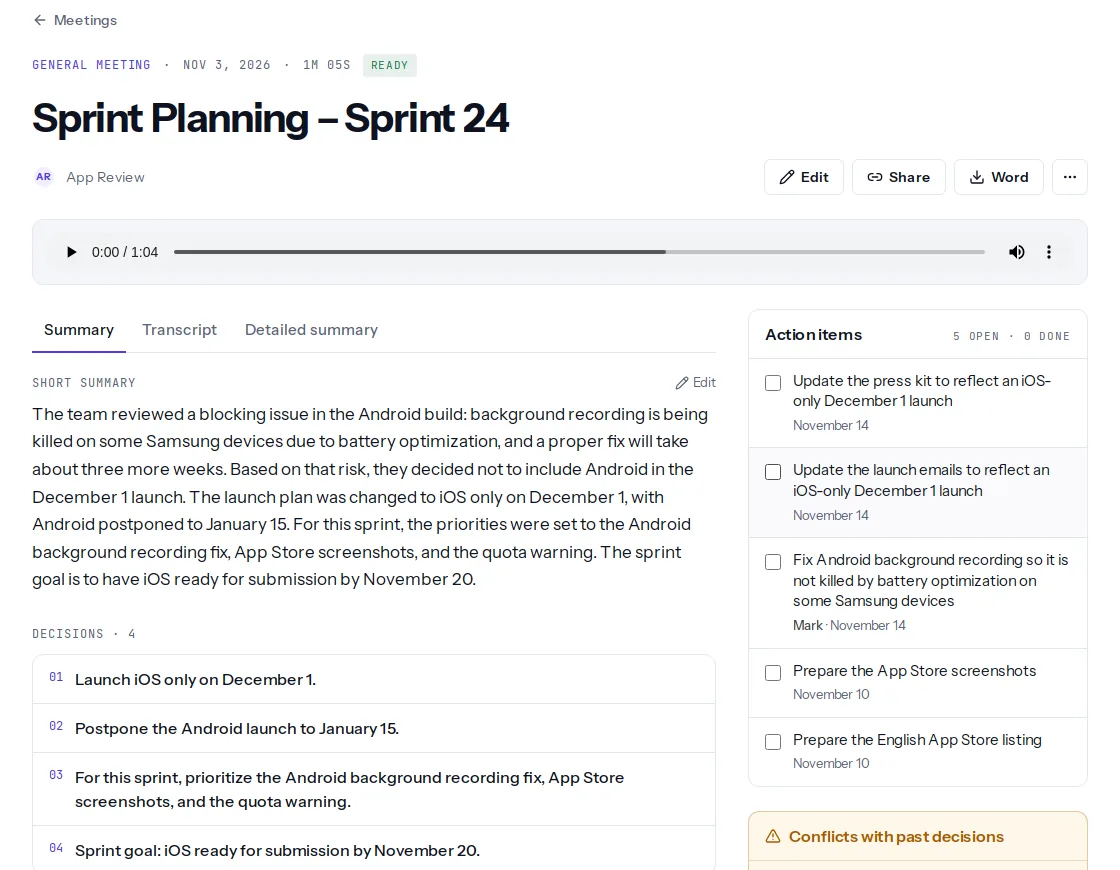
Notal records from your own device and doesn't join calls, which suits teams whose clients don't want a bot in the meeting and anyone who records in-person meetings. It transcribes Turkish, English, German, French, Spanish, Arabic and Russian, writes summaries in Turkish or English, and checks each new decision against decisions from the previous six months. Pricing is per workspace with unlimited members.
Limits: no automatic joining from the calendar, no live transcript, no video, integrations only through webhooks and the API, a Windows-only desktop app for now, and mobile on iPhone only (no Android app yet).
Otter.ai
Otter's AI meeting agent joins Zoom, Microsoft Teams and Google Meet calls, and can be scheduled to join automatically from Google Calendar. It shows a live transcript during the meeting, and its AI Chat answers questions across meetings. It integrates with Salesforce, HubSpot and Slack. Its pricing page lists English, Spanish, French, German, Japanese and Chinese for transcription.
Fireflies.ai
Fireflies' notetaker joins calls when invited or based on auto-record settings, and it also records calls through dialers such as Aircall and RingCentral. Its strength is the integration list: HubSpot, Salesforce, Slack, Greenhouse, Lever, Gmail, Outlook and Notion. English is its primary language, with Spanish, French, Portuguese and Italian supported and more than 100 other languages in beta.
Fathom
Fathom offers a free forever plan that includes unlimited recordings and transcriptions, according to its pricing page. It can capture meetings with a bot or, in beta on Mac, without one. Paid plans add more AI features and integrations with tools like HubSpot, Salesforce, Asana and Zapier.
tl;dv
tl;dv records Zoom, Google Meet and Microsoft Teams meetings and states on its site that no bot is required. It advertises transcription in more than 30 languages and dialects. It has a free plan; paid plans are priced per seat in euros.
Built-in assistants
Zoom, Google and Microsoft each offer AI meeting summaries inside their own platforms on certain paid plans. If your whole company uses one platform and you don't need notes from other sources, they're the simplest option. They don't help with meetings on other platforms, in-person meetings or uploaded recordings.
Our honest recommendation
- If you want every calendar meeting captured without thinking about it, pick a bot-based tool such as Otter or Fireflies.
- If your sales or recruiting workflow depends on CRM or ATS sync, Fireflies has the broadest integrations of the tools here.
- If you meet in Turkish, don't want bots, record in person, or care about tracking decisions over time, try Notal; the free plan covers 5 hours a month.
Frequently asked questions
Do AI meeting note takers need to join the call?
No. Some, like Otter and Fireflies, send a bot into the meeting. Others, like Notal, record from your own device. tl;dv and Fathom (in beta on Mac) also offer bot-free recording, according to their websites.
Which AI note taker supports Turkish?
Notal transcribes Turkish and writes summaries in Turkish. Fireflies lists more than 100 languages in beta, and tl;dv advertises 30+ languages; check their sites for whether Turkish is included and at what quality.
Is a free plan enough?
For occasional meetings, often yes. Free plans differ: Notal gives 5 hours a month per workspace, Otter 300 minutes a month per user with a 30-minute cap per conversation (as of 8 November 2026).
Is it legal to record meetings with an AI note taker?
It depends on where you and the participants are. In many places you must inform participants, and some require their consent. Tell people you're recording, whichever tool you use.